
React accessibility testing: an evidence checklist for delivery
Review a React workflow beyond its initial screen. Use a state-by-state test matrix, keyboard and screen reader walkthrough, and evidence record to assess delivery readiness.
Rainier Software Solutions
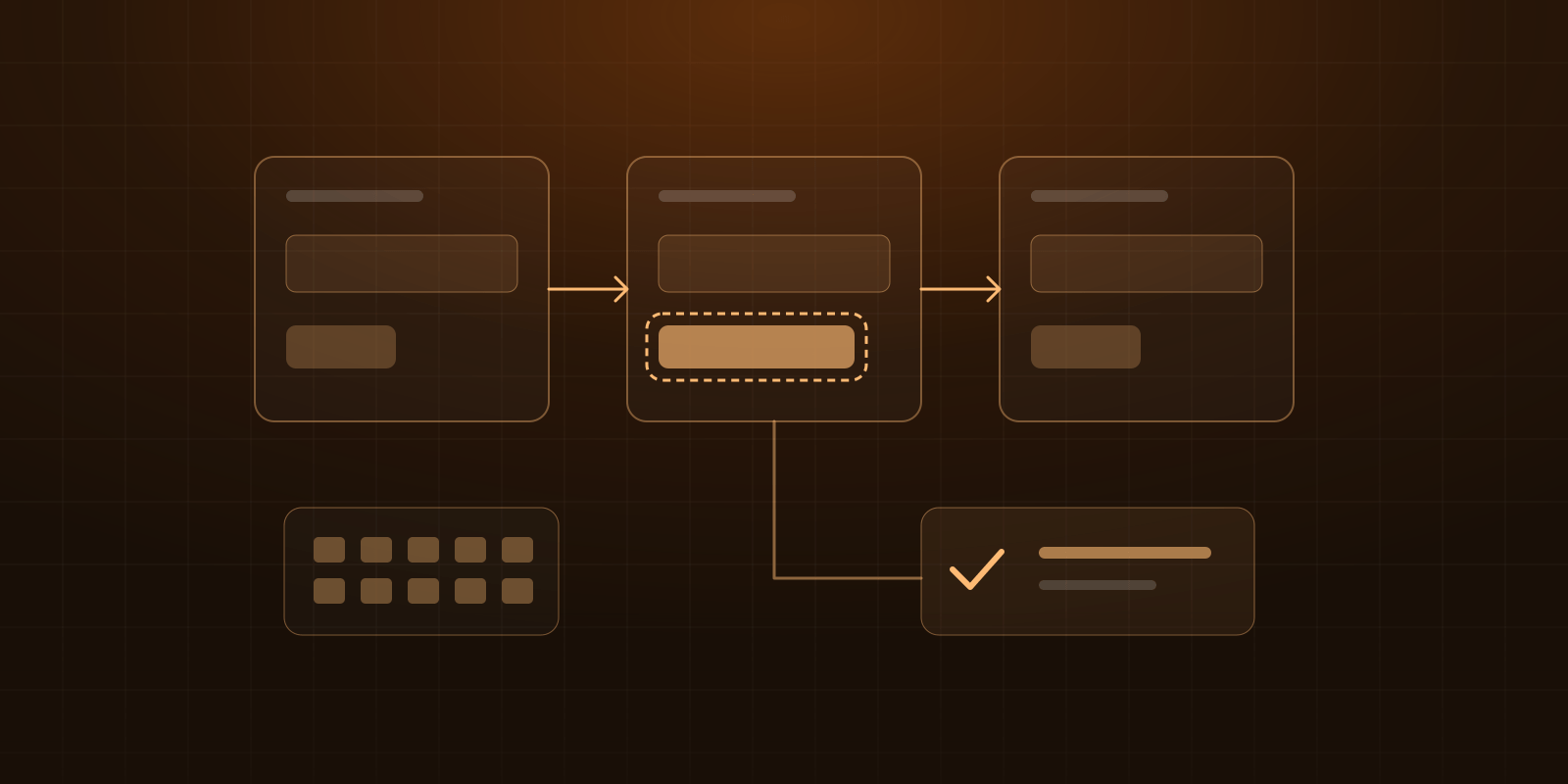
React accessibility testing should follow a user task through its changing states, combine automated checks with keyboard and assistive-technology evaluation, and attach the findings to the delivered revision. A clean scan of the initial screen does not establish that someone can recover from an error or finish the task. W3C's evaluation guidance explicitly says that tools alone cannot determine accessibility.
For an engineering lead or prime contractor reviewing a delivery, the useful question is: what evidence shows that the intended users can complete this workflow, including its failure paths? This guide provides a proposed review matrix and a worked decision example. It is an engineering aid, not a complete conformance audit or a prescribed procurement method.
Define the review boundary before choosing tools
Write the task as an observable outcome: “An operator can edit an assignment, understand a rejected change, correct it, and confirm the saved result.” Then name the interface states and integrations needed to demonstrate it.
Capture these inputs before testing:
- Revision and environment: commit, deployment, feature flags and representative test data.
- User role: permissions, starting state and any prerequisite login or account setup.
- Target: the exact accessibility standard, version and level required by the project, such as the specified version of the Web Content Accessibility Guidelines (WCAG), plus any additional agreed usability checks.
- Test combinations: operating system, browser, screen reader and versions, selected for the actual user environment.
- Scope: routes, dialogs, shared components, third-party controls and states included or excluded.
- Review ownership: who performs each check, fixes findings and decides whether the evidence meets the agreed delivery terms.
Do not substitute the rule tags selected in a scanner for the project's target. A component-library choice also does not tell the reviewer how the assembled workflow behaves.
For context, Rainier's published Vennli engagement describes a React/Material UI scheduling portal backed by a Python domain model, delivered under subcontract over twelve months. That establishes a relevant delivery scope. The example below is hypothetical; it does not reproduce Vennli's implementation, test records or acceptance decision.
Build a React accessibility test matrix around states
Assume a scheduling interface with an Edit assignment button, a modal editor, a server that can reject a conflict, and a saved-result view. Use a test environment with repeatable fixtures for success, rejection and delay. A fixture means a controlled starting condition or response used to reproduce a scenario.
This is a starting matrix for that workflow. Add states specific to your application, such as session expiry or an unavailable third-party selector.
| State to reach | What the reviewer should try | Evidence to retain |
|---|---|---|
| Initial view | Identify the assignment and reach its edit action | Route, role, fixture and initial scan |
| Editor open | Identify the editor's purpose and current field values | Focus destination, accessible names and dialog scan |
| Required value missing | Submit incomplete data and locate the correction | Error wording, field association and navigation steps |
| Server rejects a conflict | Understand why the change failed and edit it | Controlled response, announced feedback and retained values |
| Save pending | Understand that work is in progress | Status behavior and what happens to the active control |
| Save succeeds | Identify the saved result and continue the task | Confirmation, resulting focus and next reachable action |
| Cancel and reopen | Leave without saving, then resume predictably | Return-focus behavior and reset or retained-value policy |
Give each row separate columns in your working copy for automated, keyboard and screen reader results. Use pass, fail, not tested, or not applicable with a reason. A row with no scanner findings and no manual review is still incomplete.
Decide whether a server response is mocked or comes from the integrated service. A mock can reproduce a conflict message reliably; it does not establish that the real service returns the same payload or that the production error mapping is correct. Retain an integrated check for the boundary the release depends on.
Run automated checks after each meaningful transition
If the team already uses Playwright, its accessibility testing guide documents integration with axe through @axe-core/playwright. The scan examines the page state at the time it runs. Interact with the application and wait for the intended state before scanning again.
For the hypothetical editor, the test sequence is:
- Load the agreed fixture and wait for the assignment to appear.
- Scan the initial page.
- Open the editor and wait for its controls to become available; scan again.
- Trigger the missing-value state, verify that the error is present, and scan that state.
- In a separate controlled scenario, trigger a server conflict and inspect the resulting page.
- Exercise successful saving and inspect the confirmation state.
Preserve the scan configuration, tool versions, state name and results. Include findings needing manual review, not only confirmed violations. If a scan excludes part of the page, record the exact exclusion and the reason. Otherwise a reviewer cannot tell whether “zero findings” describes the delivered screen or a small subset.
Add explicit behavior assertions for the agreed workflow: where focus lands, which field is marked invalid, whether the edited value remains after rejection, and whether the confirmation is exposed appropriately. These checks answer different questions from a generic scan. An assertion that an element has a status role, for example, does not demonstrate what a particular screen reader actually announces.
Walk the same task with a keyboard
Start from the page's normal entry point with the mouse set aside. Reach the edit action through the page, rather than programmatically focusing it and skipping the surrounding interface. Record the keys used and any point where the user loses their place.
For this modal example, check that opening moves focus inside, forward and reverse tabbing stay within the open modal, Escape closes it, and closing returns focus to the trigger or a justified next step. These behaviors follow W3C's Authoring Practices modal dialog pattern. The pattern is implementation guidance; it is not a substitute for assessing the applicable standard.
Continue through validation, correction and saving. Pay particular attention when React replaces a loading button, removes an error summary, or unmounts a dialog. Record where focus actually goes after each transition. “The button worked” does not describe whether the operator can continue.
Check both operation and visibility. WCAG's keyboard criterion addresses operating functionality through a keyboard interface, with a limited exception for inherently path-dependent input. Focus Visible addresses seeing which element has keyboard focus. A functioning control with an imperceptible focus indicator leaves a separate problem unresolved.
Check errors and completion with a screen reader
Use a tester familiar with the chosen screen reader, and record the browser and operating system combination. Repeat the task, including the rejected save, rather than only reading through the page's text.
The review notes should answer:
- Can the tester identify the current field, its value and any relevant instructions?
- After submission fails, can they identify the affected field and understand how to correct it?
- Can they discover a server rejection without searching the entire page for changed text?
- Can they distinguish a pending operation from completion?
- After saving or cancelling, can they identify their location and continue?
For form errors, W3C's notification tutorial describes understandable correction guidance, error summaries and associations between fields and their messages. A visible red border alone does not communicate those details. Inspect the implemented association as well as the tester's experience.
For updates that qualify as status messages and do not move focus, WCAG 4.1.3 guidance explains how roles or properties make the message available to assistive technology. This does not mean every new element needs an announcement or that every message should take focus. Test the actual sequence for missing, repeated or interrupting feedback.
Write down the observed announcement and what the tester could do next. Do not record a fabricated transcript or label an unperformed check as passed. Different screen reader combinations may phrase the same information differently; the review should assess whether the necessary information is available and understandable, not require an arbitrary exact sentence.
Include enlargement and narrow layouts
Repeat the critical states with enlarged content and the project's supported narrow layouts. Check that instructions, error text and action controls remain available, and that fixed headers or dialog boundaries do not conceal the next action.
For vertically scrolling content, WCAG's Reflow guidance uses a width equivalent to 320 CSS pixels. A 1280 CSS-pixel starting viewport at 400% zoom is one equivalent setup. The criterion has an exception for content whose use or meaning requires a two-dimensional layout, such as certain tables; that is not a blanket exception for every control around a scheduling grid.
A screenshot can document clipping, but it cannot prove keyboard operation or an announcement. Keep each artifact attached to the question it can actually answer.
Turn a finding into an acceptance decision
Consider this hypothetical result, not a reported client finding: the editor's scanned states produce no automated violations, but after a conflict the screen reader tester receives no notice that saving failed. The operator repeats the save because the interface gives them no usable explanation.
Record that as a failed workflow check. Avoid reducing it to a scanner score or closing it because the success path worked. The next work package is specific: identify the rejection feedback mechanism, make the result perceivable, preserve the user's correction path, and rerun the affected state with the agreed test combinations.
Use this copyable record for each finding:
Workflow and state:
Revision / deployment / date:
Role and fixture:
Browser / OS / assistive technology versions:
Steps to reproduce:
Expected user outcome:
Observed behavior:
Evidence location:
Applicable requirement to evaluate:
User impact and scope:
Owner / remediation revision:
Retest result / remaining limitation:
Acceptance decision / authorized reviewer:
Distinguish a demonstrated failure from missing evidence. An unavailable screen reader environment leaves the relevant check not tested. It does not establish a pass or prove a defect. Assign an owner and a date to close the gap.
The delivery decision then becomes reviewable: which agreed requirements have evidence, which failed, which remain untested, and who is authorized to decide the next step under the contract. Our broader software acceptance checklist covers how to connect this record with integration, operations and handover.
What belongs in the delivered evidence package?
Request the completed state matrix, reproducible fixtures or setup instructions, automated reports and configuration, manual test notes, open findings, and retest results tied to the final revision. Include scope limitations and the next owner. A component fix should also identify other screens using that component so the team can decide where regression checks are needed.
Keep the conclusion proportional to the work. Testing this workflow supports a statement about the checks actually performed. It does not establish whole-product WCAG conformance. W3C's conformance guidance addresses full pages and complete processes, and combines automated testing with human evaluation. A formal evaluation needs the broader applicable criteria and scope, beyond this worksheet.
If you are defining an application work package, bring the workflow, target requirements, supported user environments and existing findings to the scoping conversation. Rainier's software subcontracting service describes the application and operator-interface work we can assess. That gives the team a concrete starting point for estimating implementation, remediation and verification.
- Accessibility
- Software Delivery
Rainier Software Solutions
Principal-led software engineering for federal and state missions. Secure, scalable, audit-ready.
About Rainier